No matches
Platform Guide
This document walks through how to create a venue-based club (e.g., restaurant, bar, café) on the platform, add perks for event organizers and participants, and complete account creation if you are a new user.
You can create either:
To start, either click Add Your Club on the 'Clubs' page.
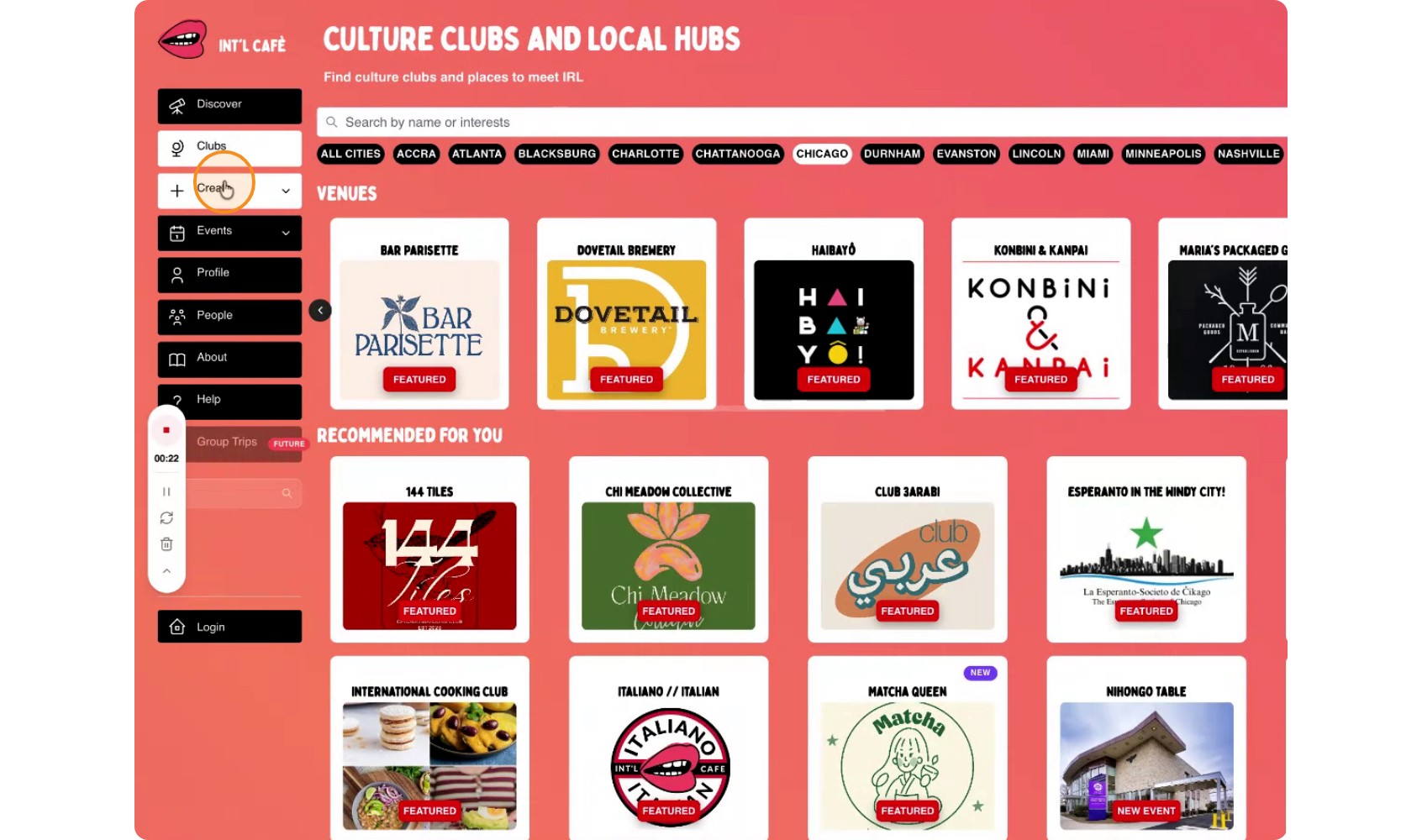
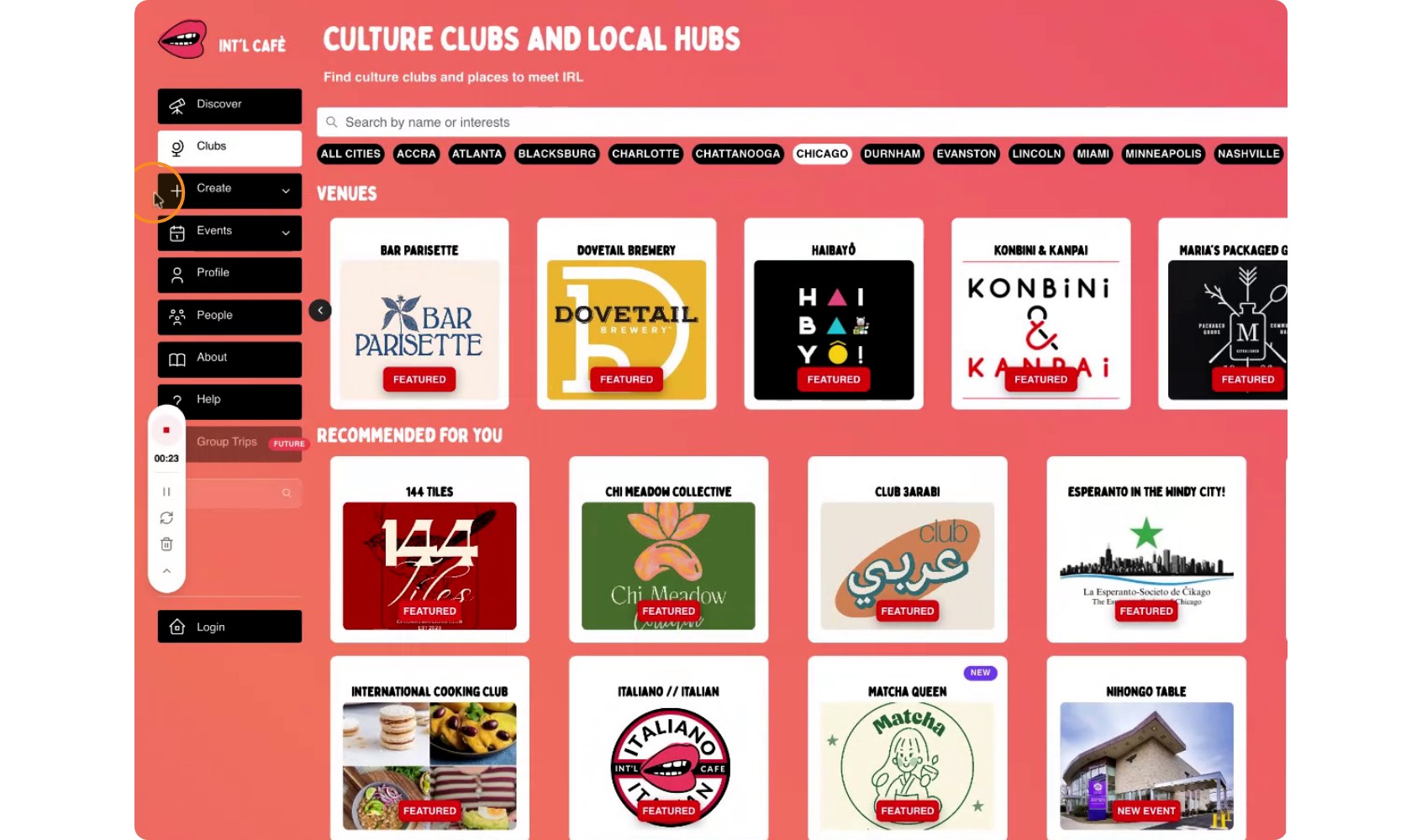
Or you can use the side bar menu 'Create' and select Club.
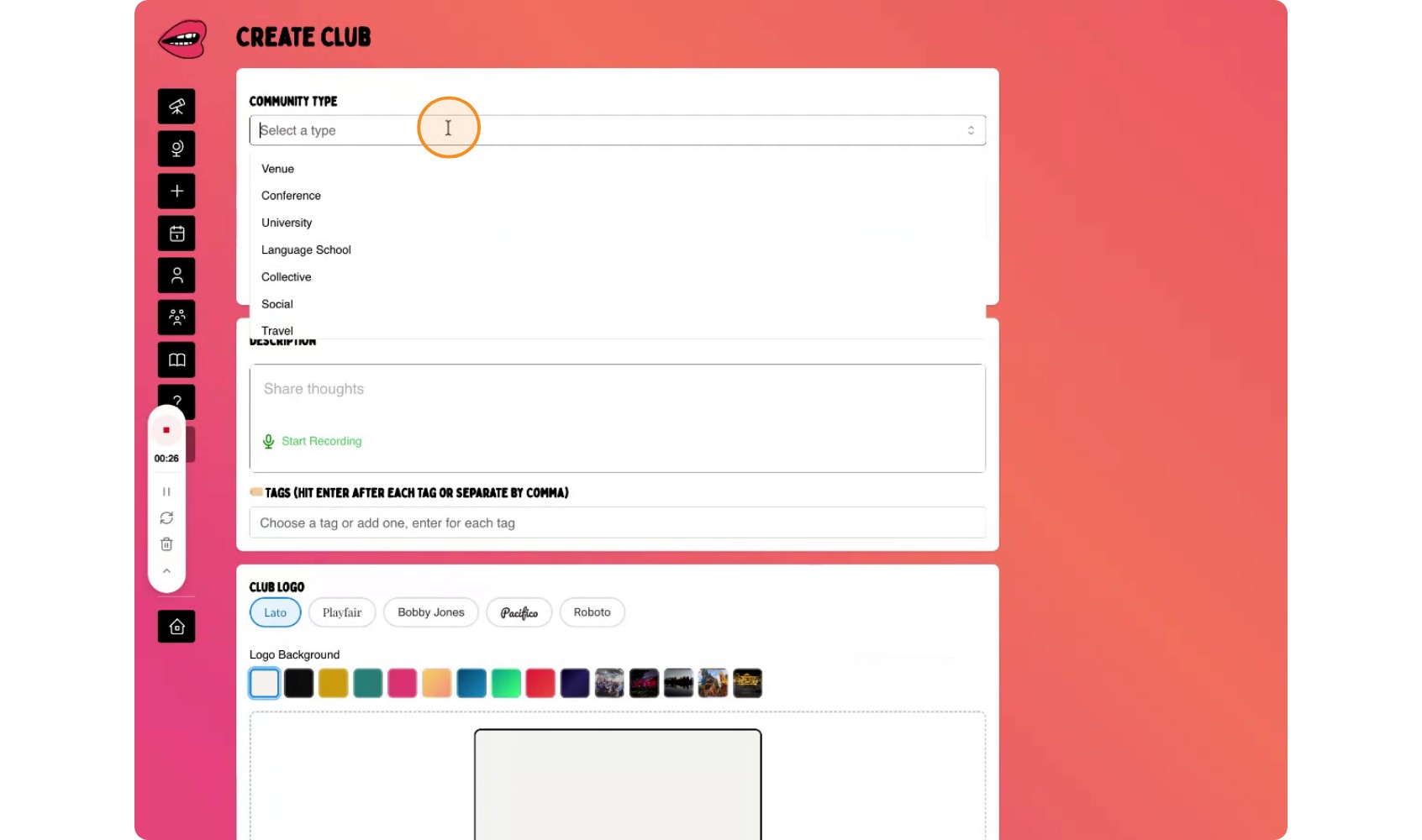
On the club type selection screen, choose to create a Venue Club.
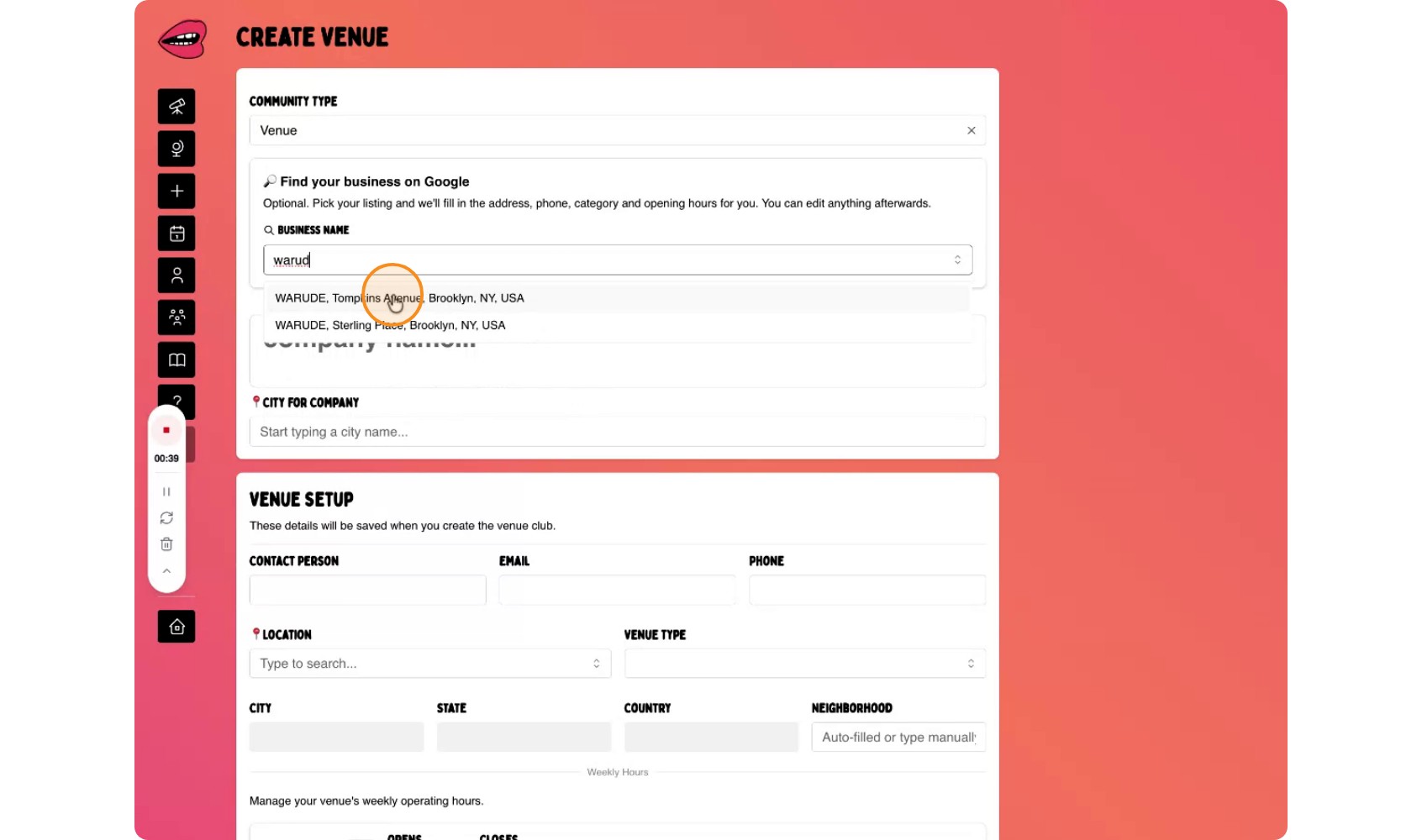
Use the search field to look up your business.
Note: We're pulling businesses from Google Maps so if you're business isn't listed on Google Maps it won't show up and you'll have to manually enter in your business details.
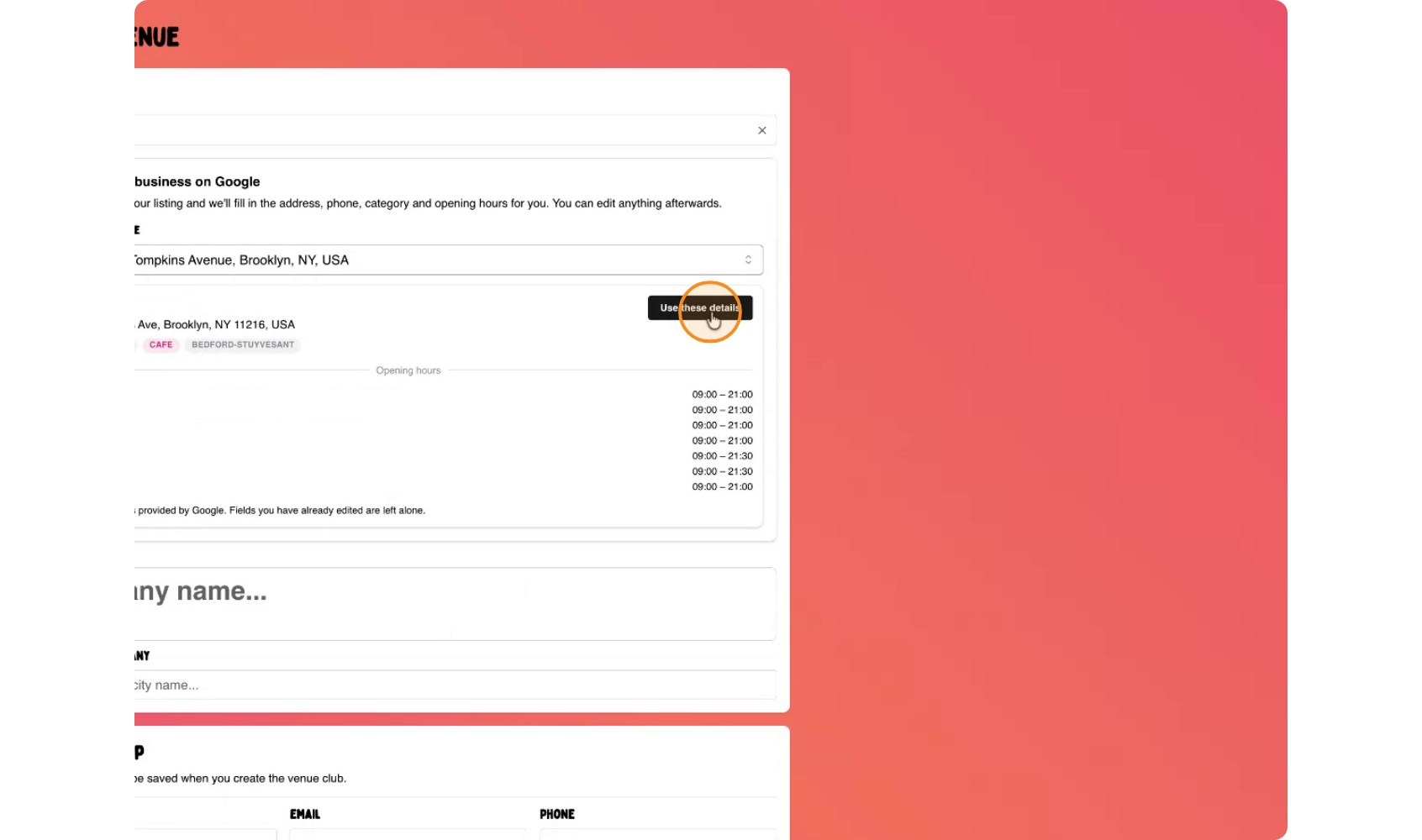
After selecting the business, confirm by choosing Use these details. This will automatically populate key information such as:
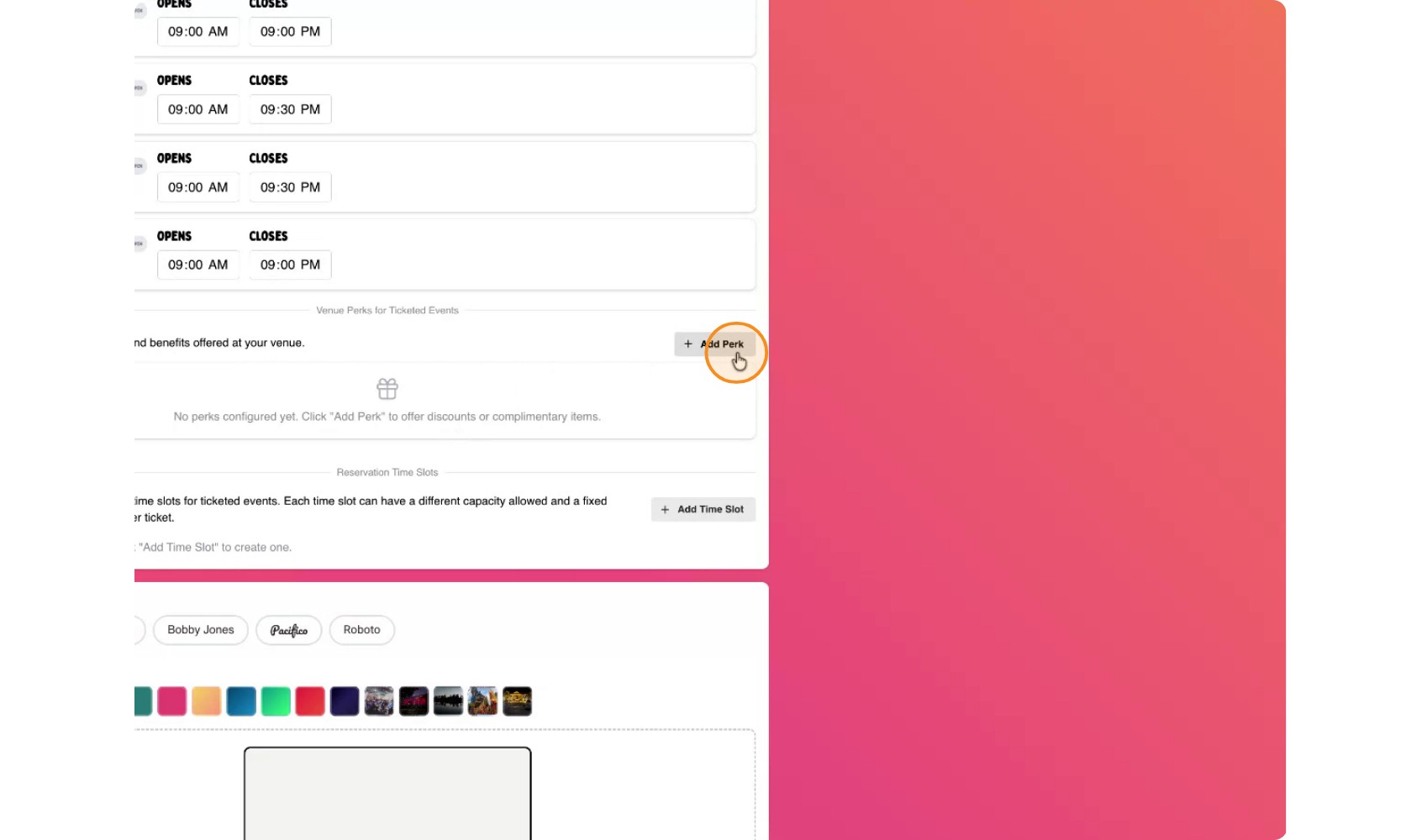
Next, add a perk for events hosted at your venue. If a event host has a ticketed event, then they can share a portion of the ticket with your venue and in return you can give their guests a perk.
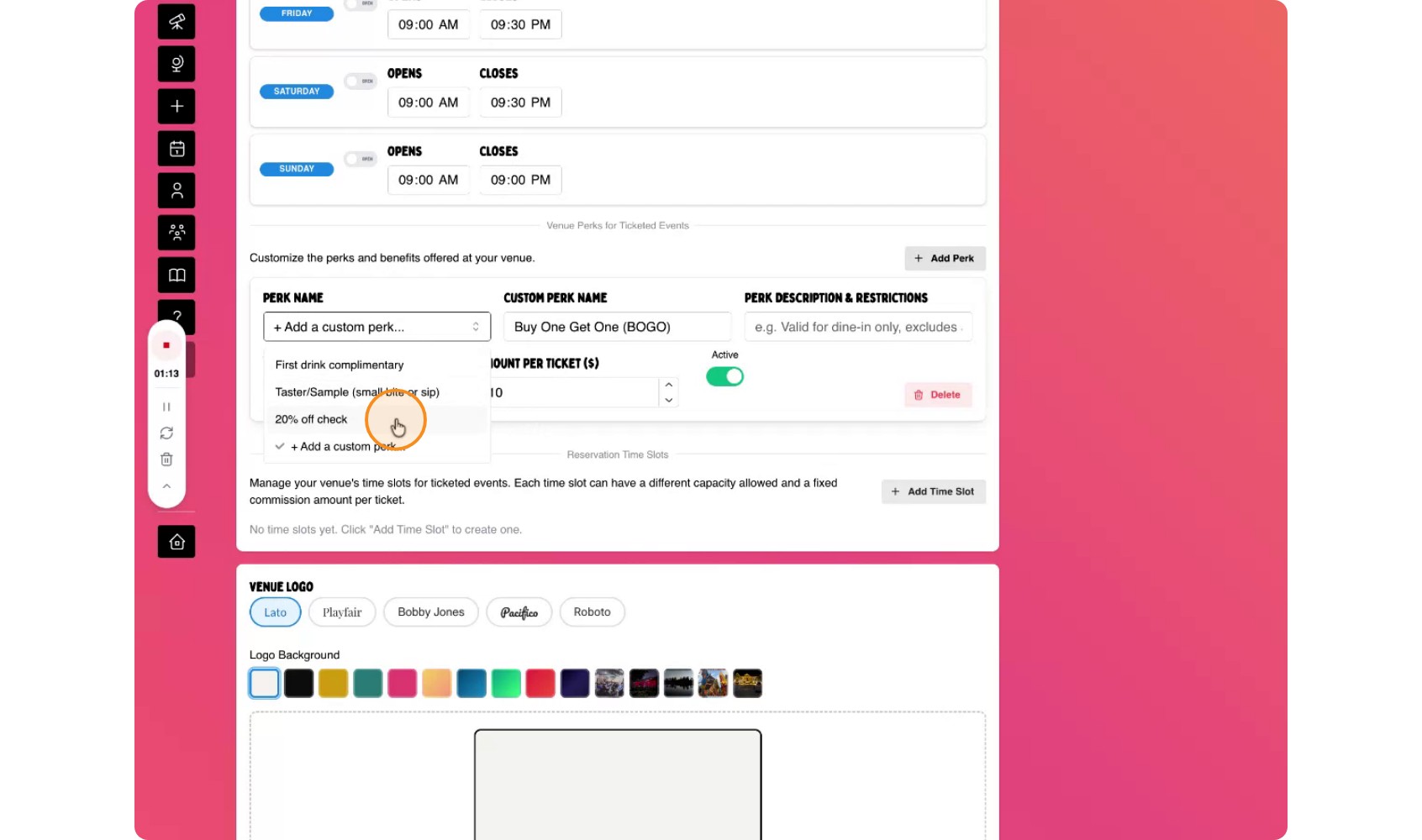
You might set up a deal such as:
The organizer pays the venue $10 for every ticket sold for events held at your location.
Each participant receives 20% off their first check when they visit for the event.
After adding in your perk you can select the logo image for your business and finalize your club by selecting Create Community'
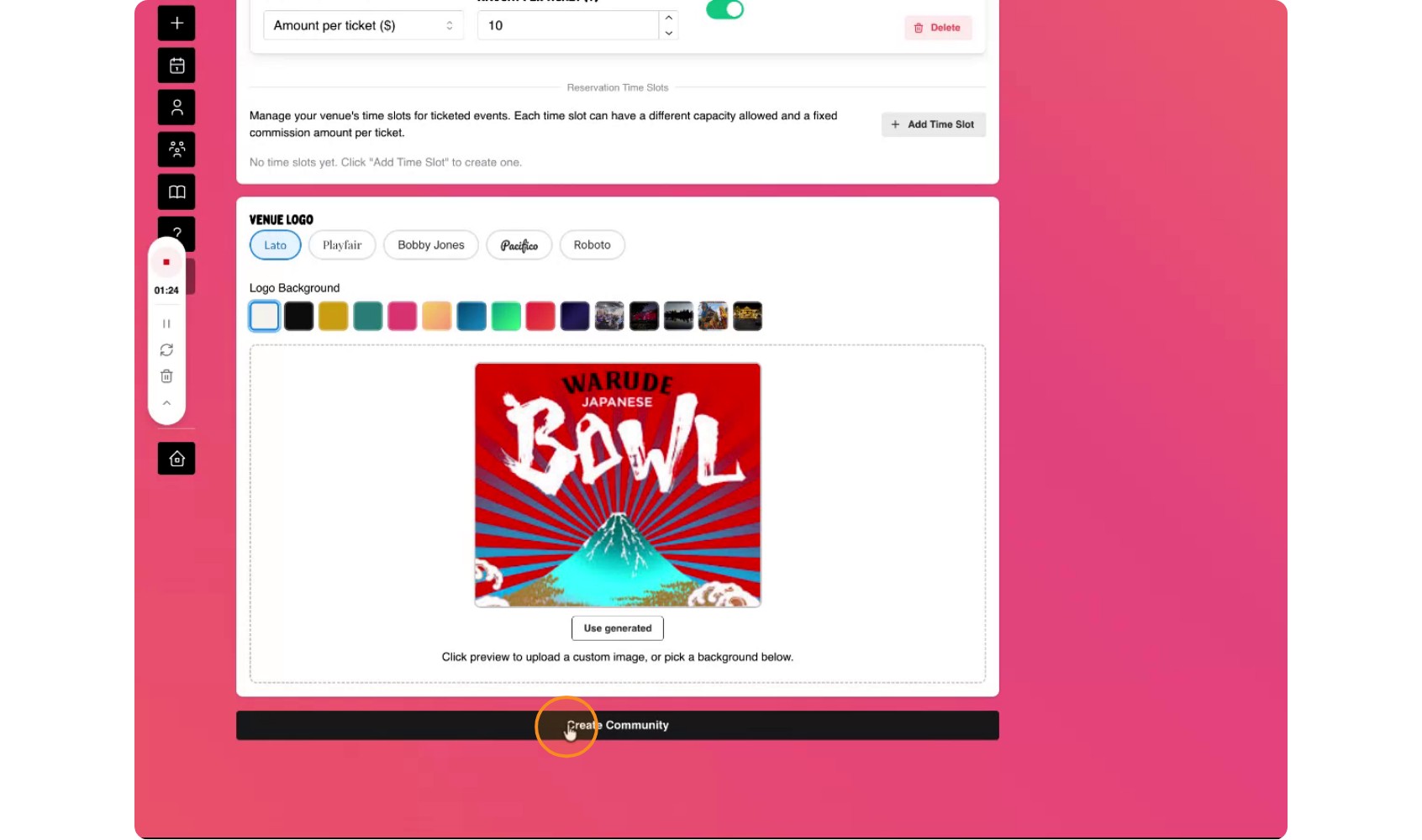
You will see two options for how your venue club appears on the platform:
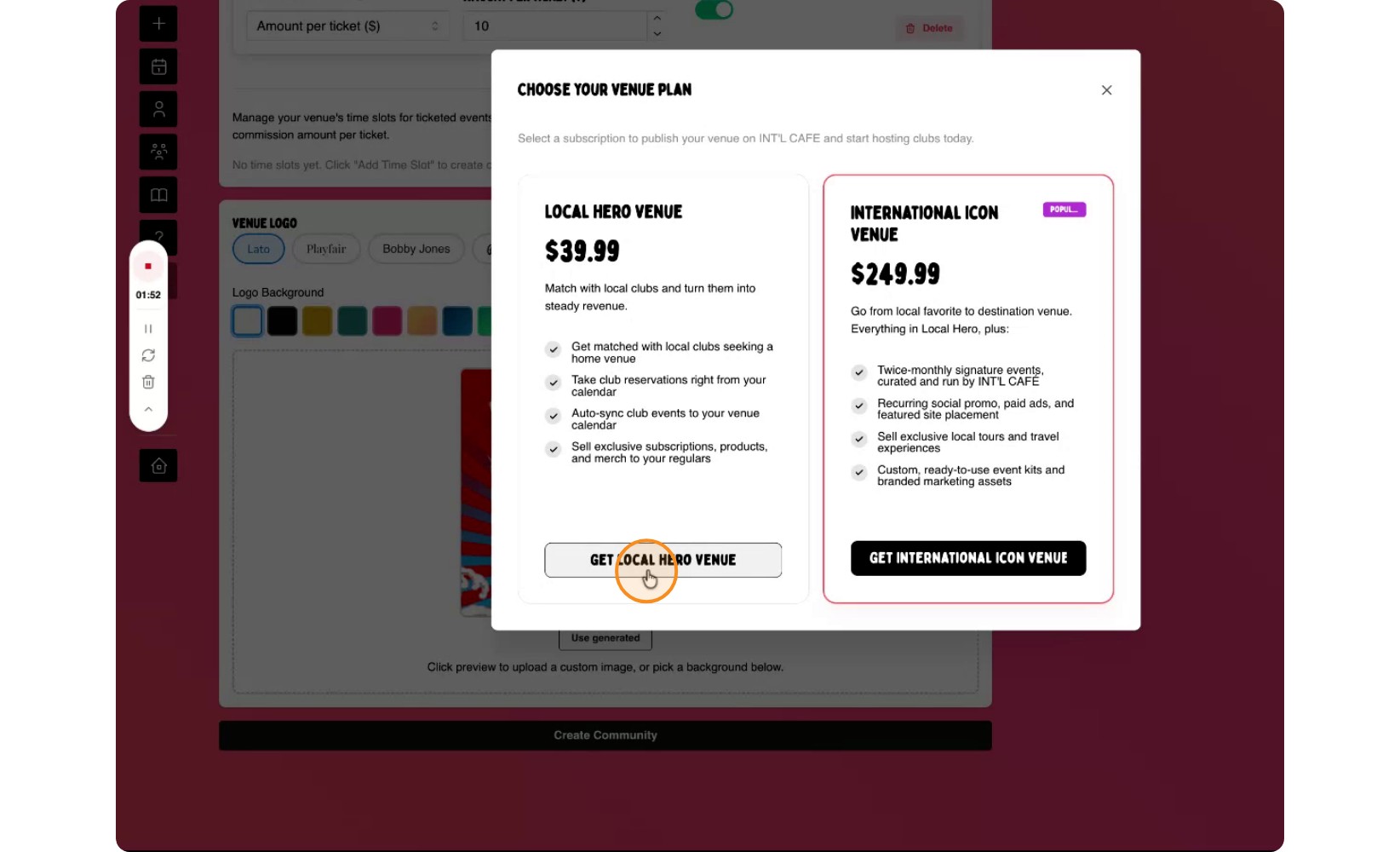
After selecting the option, proceed to subscribe.
If you are not yet a registered user, the platform will prompt you to create an account.
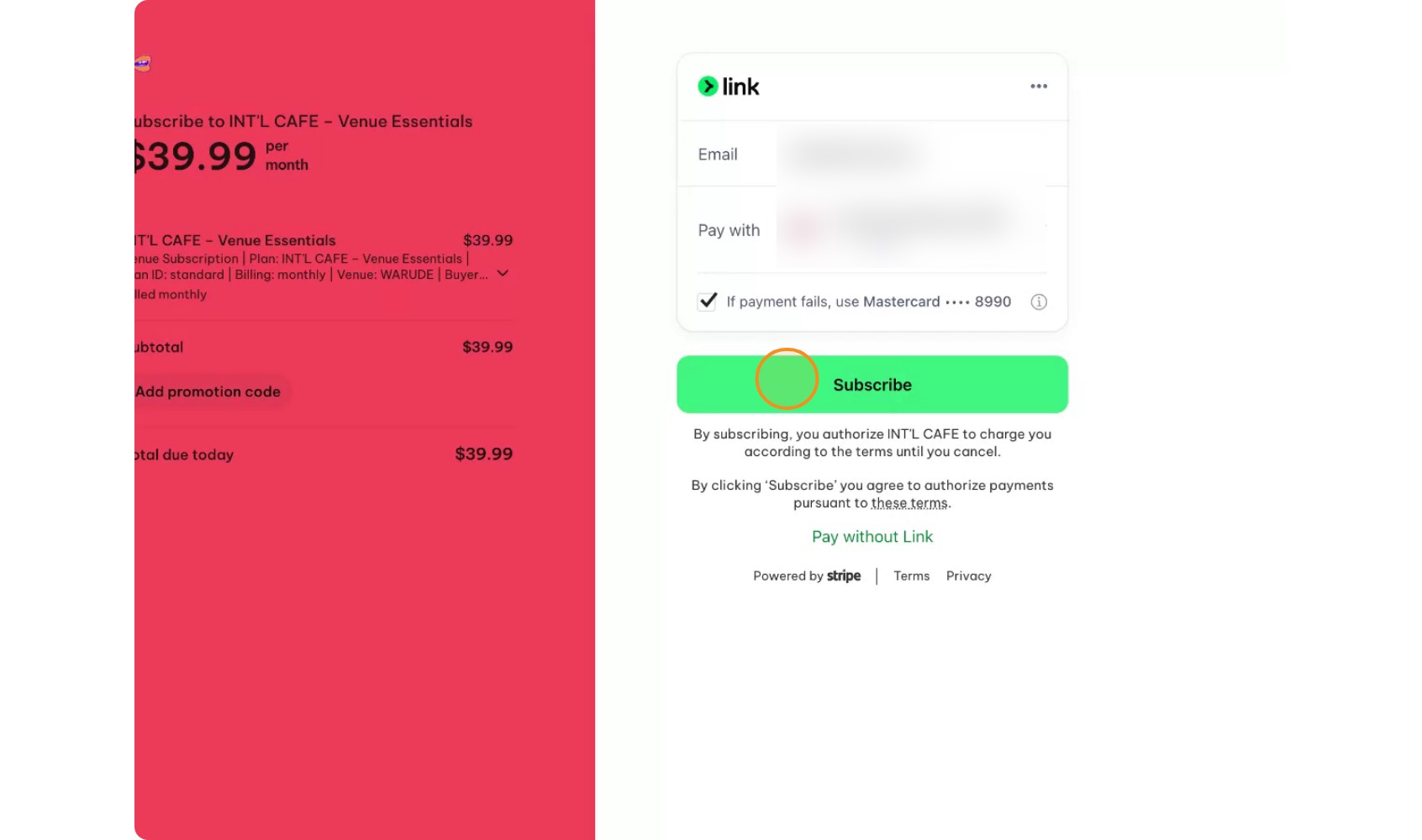
Follow the on-screen instructions to enter your account details.
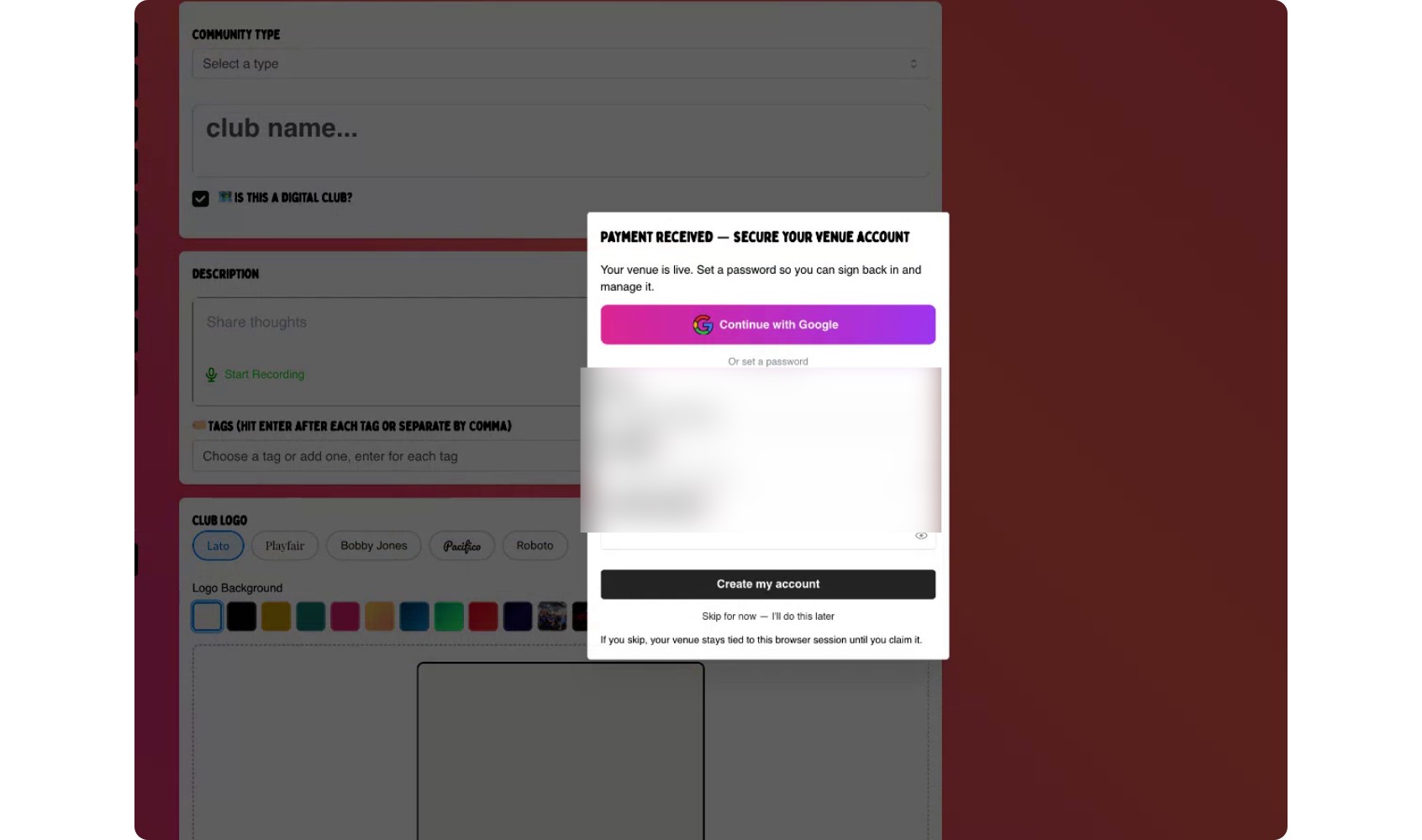
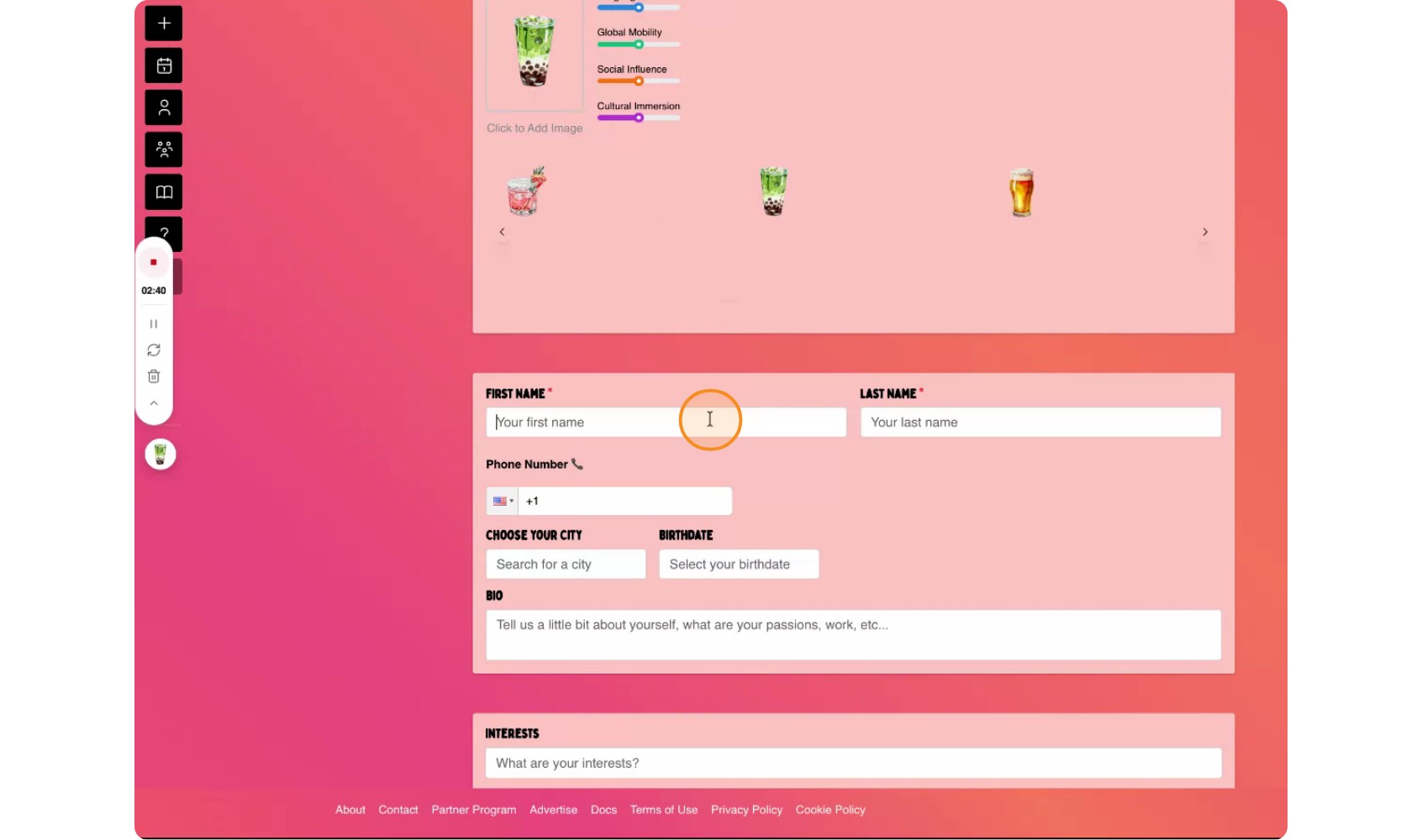
Enter your full name and city, this will help people know who's managing the venue page. Then click the button to begin your journey on the platform.
Once your account and venue club are set up, you will be taken to the club overview page, where you can see the club you are running.
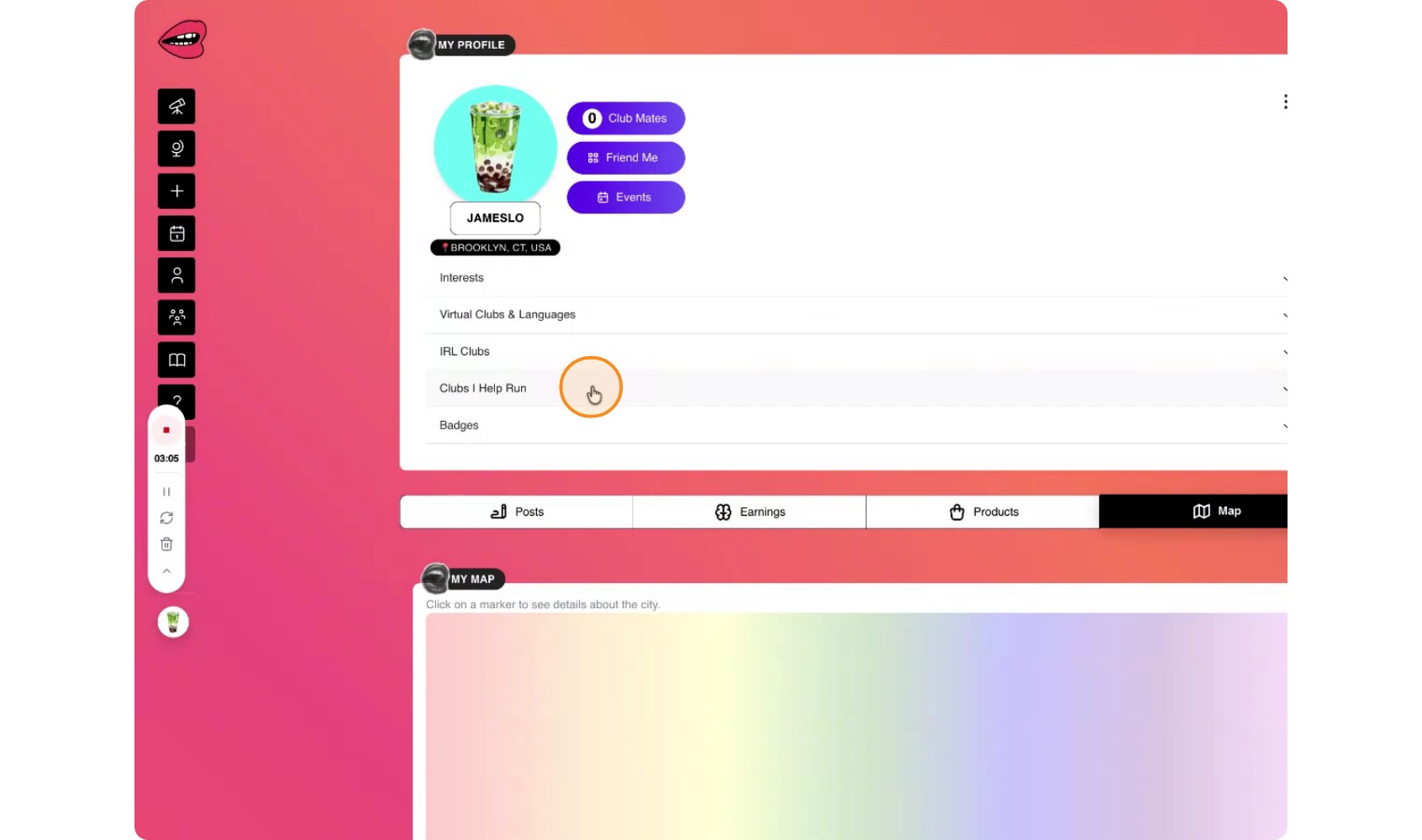
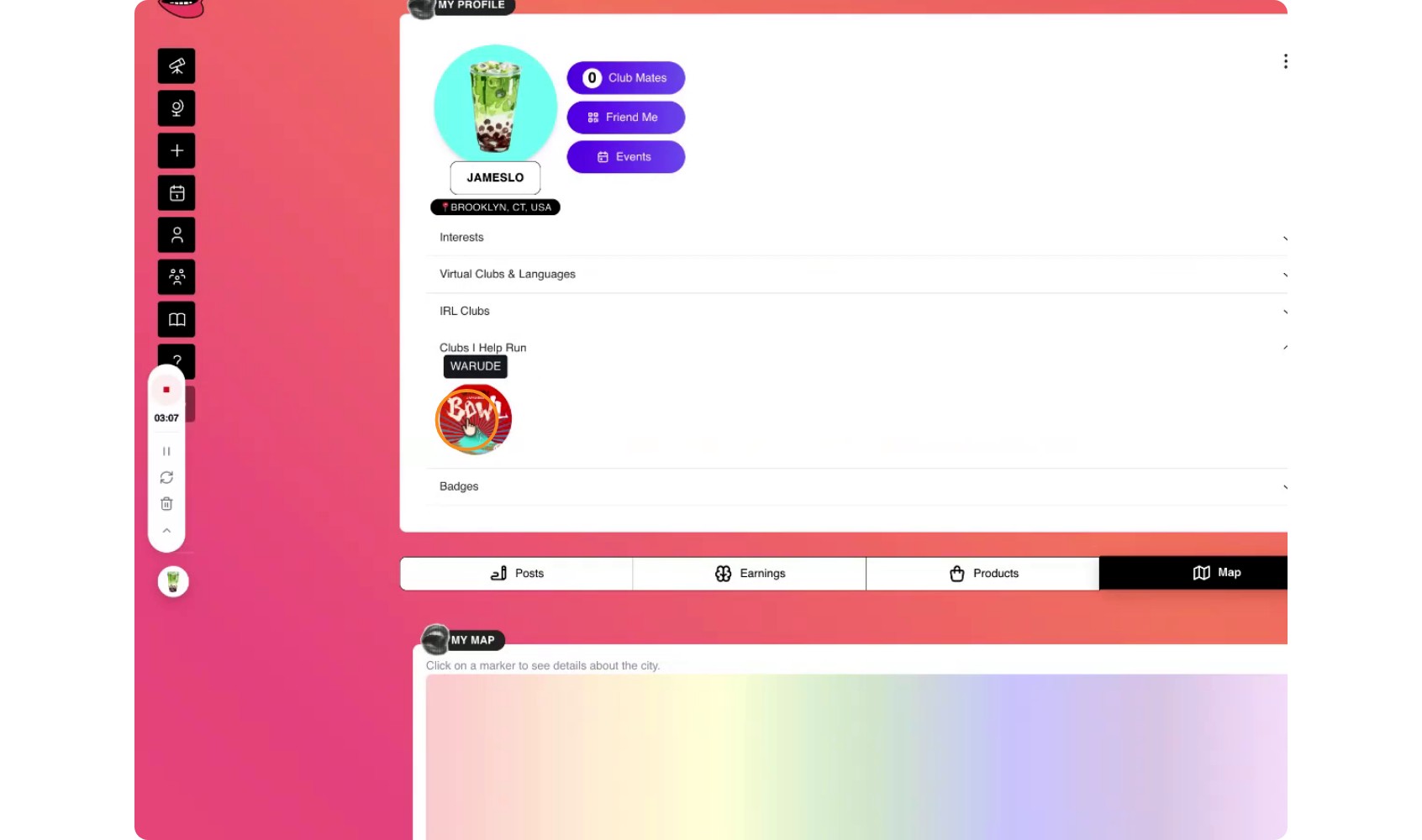
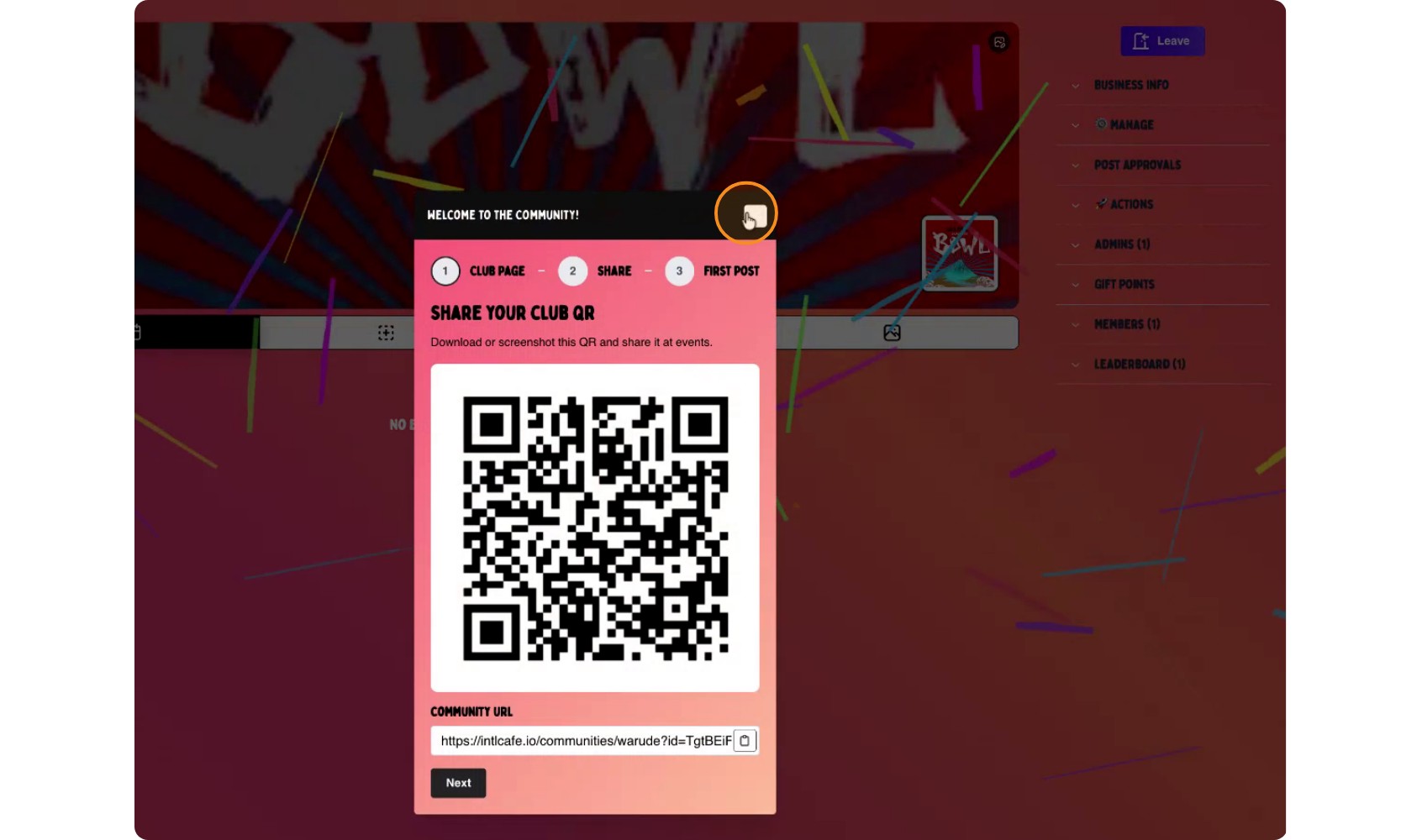
Voila! Your club page is now created!